
We tell you what to wear
Your personal stylist in your pocket.
Create your account
Sign up to start building your closet.
Full name
Password
Phone number (optional)
Welcome back
Password
A few quick questions
Helps us tailor recommendations from day one — skippable and editable later in Style Profile.
What's your everyday style?
Colors you gravitate toward?
Let's build your closet
Scan your closet, snap individual pieces, or upload existing outfit photos — we'll detect the items automatically.
By uploading, you confirm these are your own clothing items and agree not to submit explicit, illegal, or otherwise prohibited content. See our Terms of Service.
9 of 15 items — almost at your first outfit (REQ-WRD-05 MVW meter)
More ways to add items
Competitor-informed capture channels beyond photo scan.
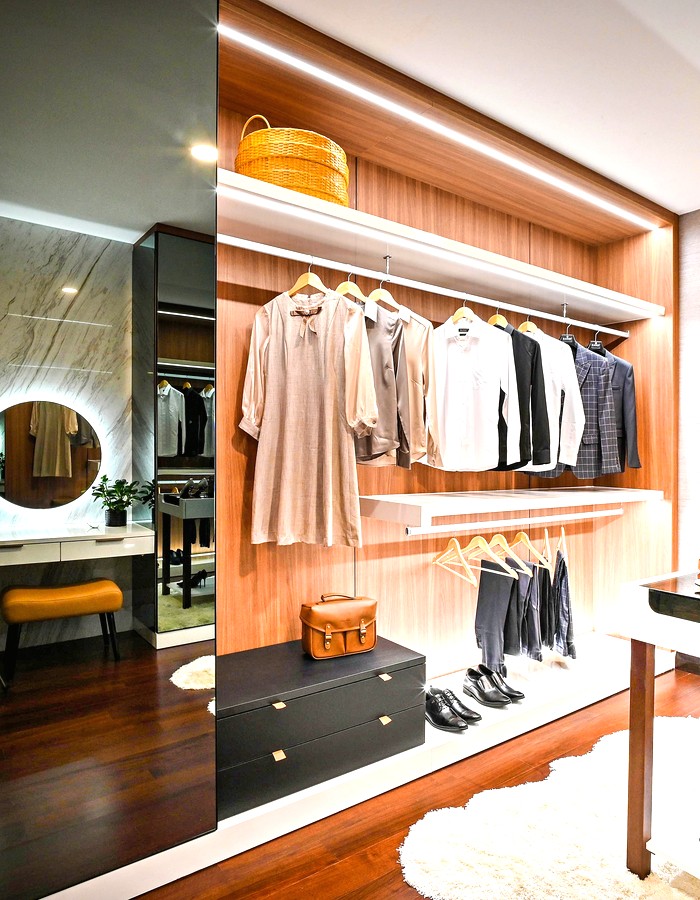
Noting what pairs with what…
Detecting individual pieces and estimating confidence for each one.
A full read takes about half a minute.
Scan Results
Submit for ReviewYou don't have enough items detected
Please scan or fill your closet, or try again with better lighting.
Sent for stylist review
A stylist will label this photo shortly. You'll be notified and it'll appear in your wardrobe automatically.
Pending Review · REQ-WRD-09/10Confirm your items
Tap any item to correct it before adding to your wardrobe.


Correct this item
AI guess: Dark Denim Jeans
Correct the item type
Note for your stylist (optional)
Good morning, Alex
68°F, partly cloudy · Ann Arbor, MI

Because it's 68°F today and you have a "casual meeting" on your calendar.
Notifications
Offers and specials published by the lookingGLASS team appear here in real time.
This week only — tap to view the package and book.
A stylist-built capsule tailored to your closet gaps.
This Week
Tap a day to assign a saved outfit, generate a new one, pick a single item, or build one piece-by-piece — plan your whole week in one pass.
Generate an Outfit
REQ-REC-02 on-demand generation — pick how you want to start.
Occasion
Today's weather
68°F, partly cloudy · Ann Arbor, MI — auto-applied
Comfort ↔ Fashion
Focus
Styling your options…
Validating combinations against confirmed items only (invariant I1).
We couldn't generate an outfit
Something went wrong reaching our styling service. Your wardrobe wasn't changed — no charge, no lost data. This is the App-Store-flagged error state (fix #4), distinct from the generating → outfit-result success path.
Option 1 of 3
Because it's 68°F and you have "Work" selected.

A pair of closed-toe work shoes — loafers or low heels — would let us dress this up beyond sneakers for more formal meetings.
Shop suggestions →2.0 concept — potential new revenue line via affiliate links to suggested items, or LG's own personal-shopping service; not wired to a live product feed in this prototype.
Share this look
PII-free share link (REQ-REC-05) — outfit only, no personal data.
Build it yourself
Pick pieces manually instead of AI generation — Indyx-style drag-and-drop board.
Explore
Shop Add-On Services — real a-la-carte offerings, published by our stylist team.
Shop all services on lookingglasslifestyle.com →Marketplace & tools
Coming later (roadmap-only, not built)
Service
Description
List for Resale
0% commission — you keep what it sells for.

Asking price
Listed!
Your item is live on the resale marketplace.
My Wardrobe
+ Add Item

Family Closets
Add a spouse, partner, or child's closet alongside your own. This is a low-priority backlog item — not yet built.
Coming soonNew Collection
Collection name
Tap items to add them to this collection.
Add Item Manually
Item name
Category
Color
Brand
Size
Navy Blazer
Outerwear · Navy · Wool blend
Edit Item
Item name
Category
Color
Brand
Size
Remove this item?
Saved outfits keep a record of it — this only removes it from your active wardrobe.
Stylist Chat
Loved the navy blazer pairing today! For your event Friday, want me to draft two options?
Yes please — something for an evening dinner.
Request sent
Jamie will publish a draft outfit within the queue SLA (REQ-STY-01).
Membership
Choose the tier that matches how much stylist support and AI you want.
Basic
$30/mo
- Closet scanning
- Outfit generation
- Daily AI outfit alert
- Calendar / weather / location integration
Premium
$100/mo
- Everything in Basic
- Text & video chat with a real stylist
- Receipt scanner
- Community tab
- Pinterest profile linking
- Shareable outfit links
- Curated outfit board purchases
VIP
$350/mo
- Everything in Premium
- Packing guide
- AI color analysis
- AI body scan / shape detection
- AI try-on
- AI closet edit tool
- AI-suggested outfits with direct shopping links
You're upgraded!
Your new plan is active immediately. Manage or cancel anytime from Membership.
We're sorry to see you go
Your access continues through the end of the billing period.
My Profile
Personal Information
Full name
Phone number
Body shape
Style archetype / sizing
Style Profile
Quizzes — pulled from the admin-managed quiz catalog (Quizzes Manager); only Published quizzes appear here, so the app always mirrors the same quiz set as the website.
Quiz
Description
Sample question 1 of 5
Sample question 2 of 5
Preferences
How and when should we deliver your daily outfit?
Primary delivery channel
Optional extra channels
Time of day for your daily outfit
Connect Accounts
Two very different things live here — read the labels carefully.
Connect Instagram / Pinterest
We use these purely as a style-inspiration signal — boards and saved posts help tailor your recommendations. This connection never automatically creates wardrobe items; every wardrobe item still comes only from Scan, Camera Roll import, or manual entry.
Camera Roll Access
Grant access so we can find outfit and garment photos already on your phone. Detected items go through the exact same scan → confirm → review pipeline as items you photograph directly — nothing is added to your wardrobe without confirmation.
Delete your account?
This starts a 30-day deletion process with a 7-day grace window to cancel (REQ-PRV-02). This cannot be undone after the grace period.
Deletion scheduled
You have 7 days to cancel by signing back in. After 30 days, your data is permanently removed. (Path to cite for App Review: Profile → Delete Account → Confirm Deletion.)